
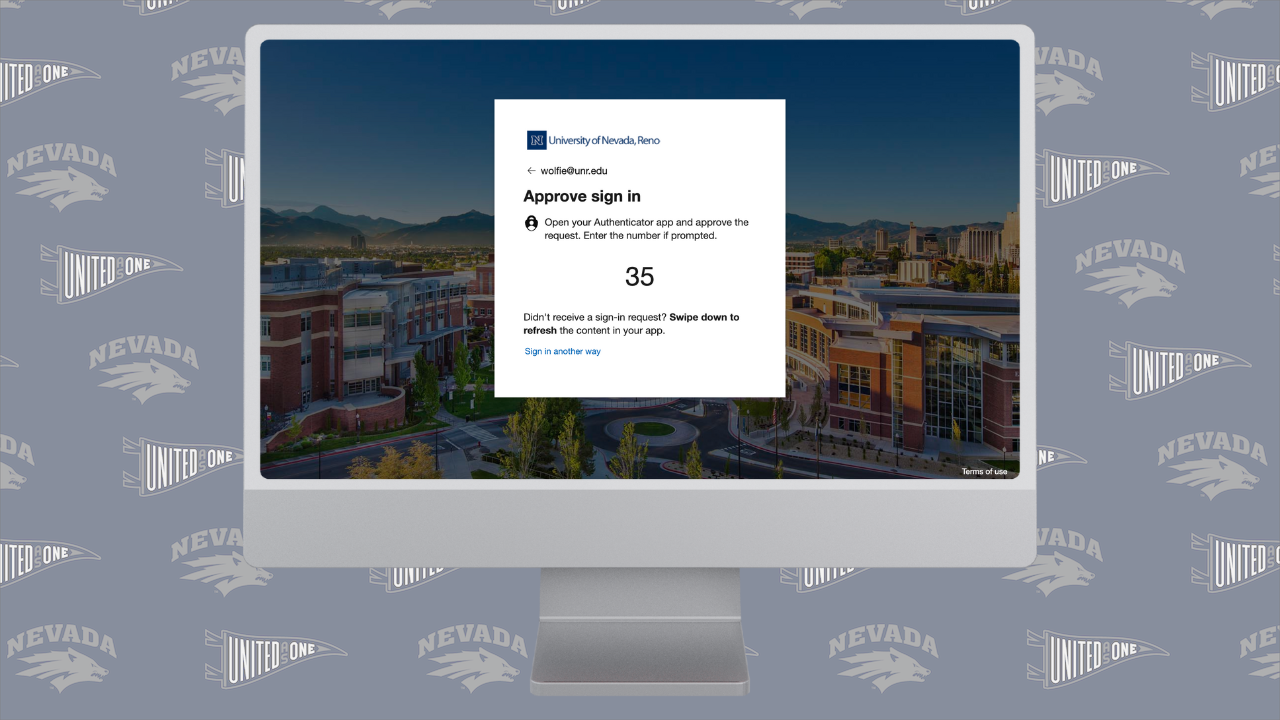
A few weeks ago, my Thursday afternoon started out normal. I woke up, got some work done, and headed to my 12pm class. As class was getting underway, at 12:11pm, I got a text from Microsoft with a multi-factor authentication (MFA) code for my University of Nevada, Reno Microsoft account on my watch. This means that someone had found my password and was about to gain entry into my account. I realized that this was not me, and it was a scam to steal my information and potentially access University data, immediately, so I logged into my account and changed all of my passwords and requested that my account be signed out on all devices. In addition to changing my passwords and signing out on all devices, I reached out to the Office of Information Technology (OIT) to see if my account was secure and if I had taken all the necessary measures to protect it. They reached out to me the next day saying that what I did was correct and that from their back-end view, my account seemed secured.
According to the University of Nevada, Reno’s Office of Information Technology’s knowledge base, “87% of higher education institutions in the U.S. have experienced at least one successful cyberattack,” (University of Nevada, Reno, n.d.) thanks to the large amount of data that universities and colleges around the globe store (personal information including SSN, academic information including grades, &c.). This is largely because of hackers gaining access to users’ accounts through phishing, brute forcing, and password spraying. Once access is gained, hackers will resend MFA requests over and over again to overwhelm users into accepting one to get it to stop. If the user allows the hacker into their account, the hacker has easier access, or sometimes even direct access into the network and all other users. This is what the hackers attempted with my account, with no prevail.
It is important that you abide by all multi-factor authentication policies your organization has put into place in order to protect the integrity of your organization, especially if your account has access to sensitive information. It isn’t hard to click a few extra buttons when you need into your account, when considering what the consequences may be.
And, if your account ever gets attacked, it is important to identify the attack quickly and react properly and efficiently to it. If you ever get an email or text from an unrecognized or untrusted domain or phone number, it is important not to trust its contents, especially links. Additionally, if you begin receiving authentication requests when you are not attempting to sign in, it means that someone has your password and is trying to access your account, so you should take action. Whenever you even suspect that someone is accessing your account, you should do the following:
- Change your password
- Log your account out of all devices
- Double check your MFA settings have not been changed and that they are all set by you
- Communicate with your organization’s IT Department to make sure that there is no more threat
You can also get ahead of hackers by changing your password more often than required by your organization, creating hard-to-guess passwords (not like “qwerty” or “password123”), and taking information security training courses offered by your organization to learn more about ways to keep yours and your company’s data secure.
For specific help at the University of Nevada, Reno, visit oit.unr.edu.
10 Responses
Very insightful! Thanks for the warning.
Anytime! Glad to help prevent this from happening to anyone else as much as possible.
Changing your password frequently has helped me stay ahead of hackers. I learned a hard lesson when they stole my FaceBook account a few years ago. Since then, I change my passwords frequently. Another way to stay ahead of hackers is to use a password tool like One Password. You just have to remember one password and it will automatically input your username and password when you need to login to a website or software. It uses top-of-the-line encryption techniques so I feel very safe using it.
That’s very true. 1Password is a great tool to use!
I learned a lot from this! Thank you so Much for providing this insight!
Glad I could help!
I’ve leaned a lot very informational and easy to use!
Glad you could understand it!
Fire stuff dawg keep up the good work
Thanks Cole! Glad you were able to read it.